My 2025 productivity hacks (and what I’m testing for 2026)
This year was one of the biggest shifts in my personal productivity. That was largely due to introducing new tooling and processes (mostly leveraging AI). Anecdotally, it feels like I gained at least a 2x improvement in throughput per week. Statistically, one data point I have is that our company grew 40%, and my personal productivity kept pace with that extra work.
My role covers: Strategy, Product Development, Marketing, Legal / Commercial, Operations, Consulting (problem solving and solution design), Talent Acquisition & People Management, Client Sales & Negotiation, etc. This blog covers the key productivity hacks and tools that allowed me to get more done with less across these topics, while staying present with family – during a fairly challenging year on the home front with two great boys who needed some extra help and attention.
Hopefully these tips provide some things for you to try, or help validate the path you are already on.
TL;DR – What actually moved the needle
- Talking instead of typing – voice transcription replacing typing for almost everything.
- AI as a first stop, not last resort – chat agents for company search, external research, meeting management, project management and basic workflows.
- Slides and prototypes in minutes – Gamma plus Lovable changing workflows to design first, document second.
- Notion as an actual operating system – notes, Kanban and basic workflows live in one place, accessible and managed by AI.
- Modern developer flows – Codex, Claude Code and Cursor (with Windsurf, VS Code, Factory AI etc as peers) make it realistic to ship small tools fast — aiding, not replacing, developers.
- A “fun” layer – tools for video, music and learning that keep things enjoyable.
What follows is how this looks in practice, focusing on the off ‑the‑shelf tools we use most (rather than the more bespoke agentic systems), and then a quick look at what I’m experimenting with for 2026.
Walkthrough of each productivity hack
1 – Talk, don’t type
SuperWhisper ended up being my quiet MVP for the year.
It runs locally on macOS and turns whatever I’m saying into text in the active window – email, Notion, Slack, the browser, whatever happens to be open.
I use this for:
- Drafting emails as if I’m talking to the person.
- Drafting messages for Microsoft Teams, ChatGPT / Gemini / Claude etc
- Getting the first ugly version of a blog post out in one go, or dictating memos / executive summaries for word documents, before cleaning them up.
- Recording meetings and detailing notes when not on a conference call.
Over 80% of my traditional typing has stopped. I dictate, rather than type, for almost everything – from emails to deliverables, to ChatGPT, to coding.
I still fall back to the keyboard when I’m somewhere public speaking to something confidential, or when I need to be very precise and considered. But for most work, talking first then editing has been a big shift.
There are other similar tools (such as Wispr Flow) but I like the local-first aspect of SuperWhisper.
2 – AI as a first stop, not last resort
For most things it has helped to assume “AI can probably do this” and then find the edges where it breaks, rather than the other way around.
Day-to-day I use all the major providers (Anthropic, Google, open source, xAI etc.) for research and benchmarking purposes (via their apps and via API), but for the company we narrowed down to ChatGPT Enterprise. It has a strong security posture, good admin controls and, for our use cases, the best mix of models and features.
We’re also a Microsoft shop currently, so people often ask – why not Copilot? The short version: today, Copilot’s implementation of AI feels too constrained and locked down. It’s improving, and we keep an open mind, but right now ChatGPT Enterprise gives our team more headroom, intelligence, flexibility and speed to change.
The gains come less from any one feature and more from how it changes the workflow:
Find and understand things faster – Deep Research, Canvas, Code Interpreter and connectors mean we can search across email, calendar, Teams, SharePoint, Notion and more in one go, then turn the results into something usable quickly.
Keep projects moving – meeting notes have become structured summaries, detailed dossiers, action lists and revised project cadences instead of half ‑remembered chaos. Project folders and shared GPTs give small and larger teams a common place to work on material, pairing up with each other and / or AI.
Draft the hard stuff – a large number of custom GPTs help with the heavy drafting, some examples include:
- a Legal GPT to get contracts and SoWs to a sensible first draft before legal reviews
- a Talent Acquisition GPT to design roles, multi ‑round interview loops and evaluation rubrics, and to assess candidates against them
- a Client Insight GPT for stitching together internal notes and external research into clean briefings
- a Proposal / Solution GPT that pulls from our knowledge base and meetings to build straw ‑man approaches, plans and costings
The common pattern across 2025 was reducing dramatically “time to first draft” and using humans in the loop. The models still make mistakes and need checking, but they remove a huge amount of research, summarising and basic drafting. That lets the team spend more time on judgement, trade ‑offs and negotiation, and less on admin.
3 – Slides without suffering
PowerPoint has been the bane of corporate life for years. People pour everything into slides, spending too much time nudging boxes around instead of focusing on content.
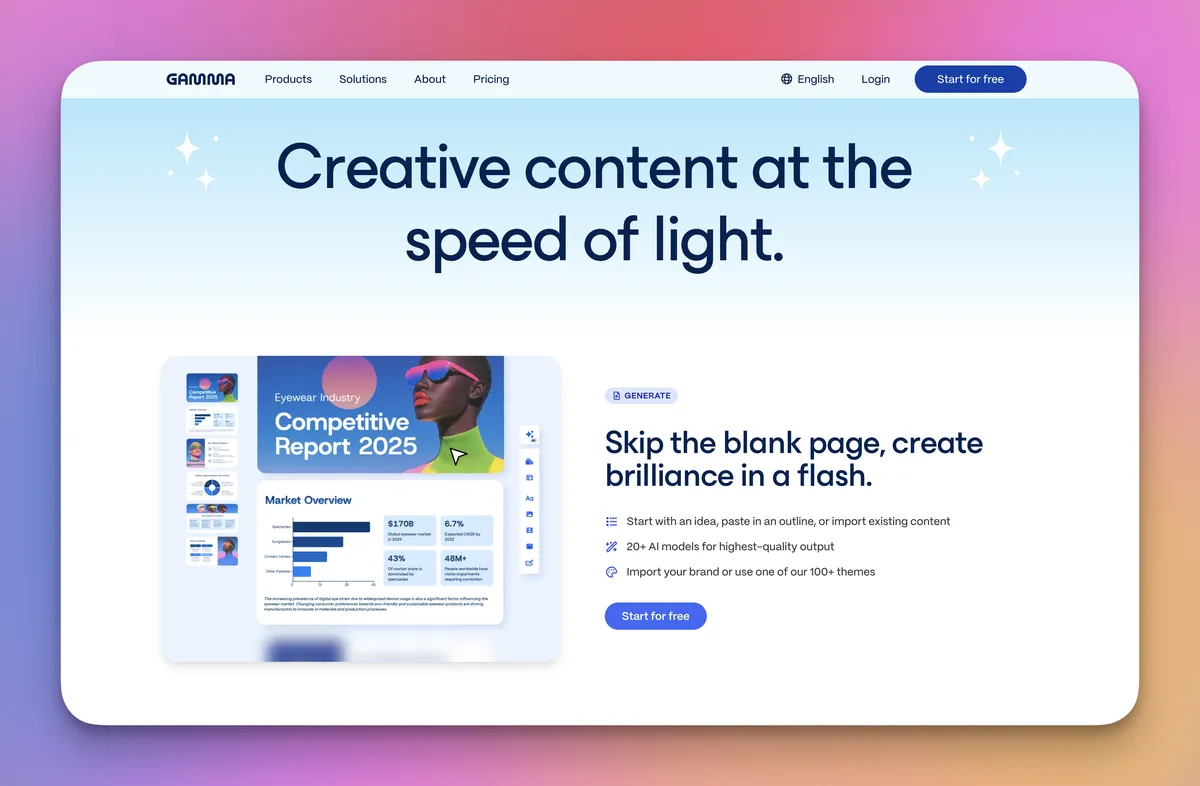
Where we do need slides, Gamma has been a major time saver.
With just a short brief and brand settings, it can generate a full deck – structure, copy and images – in one go. It’s one of the few AI experiences that still feels a bit magical when you watch it build a presentation live for the first time.
We use Gamma to build:
- proposals
- strategy explainers
- architecture walkthroughs
- microsites and training materials
From there we tweak wording, swap images, embed live artefacts (Power BI, Loom, Miro etc.) and occasionally export to PowerPoint or PDF when clients need it.
The result: far less time “fixing slides”, far more focus getting the content, numbers and framing right. There's also a recently launched API we are currently testing out.
4 – A second brain that actually does work (Notion + Notion AI)
Notion has been our shared 'brain' for a while across the team. Notion’s new AI tooling has increased our productivity, and the ease by which people can work with the tool.
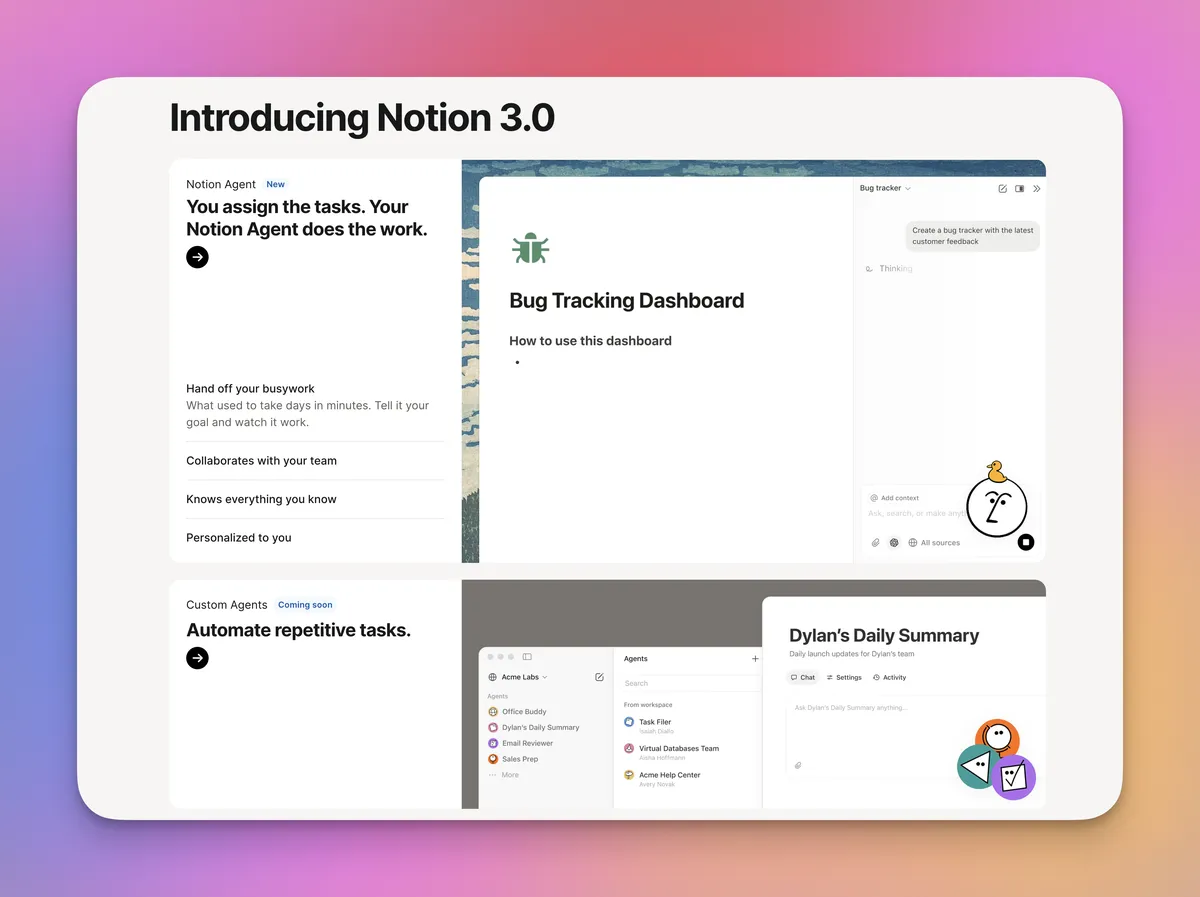
We use Notion for many things – including as a shared wiki, task manager and set of lightweight databases for different workflows. Notion AI adds:
- meeting recording and transcripts
- agents that build and refactor pages and databases
- background jobs that wake up and do work based on triggers and changes to the workspace
In practice that accelerates simpler workflows that happen a lot around the office floor:
- meeting notes and transcripts landing in the right location automatically
- client account pages that update after each touchpoint instead of once a quarter
- Kanbans that update and capture decisions, risks and actions as part of the normal flow
- simple back ‑office workflows (travel, resourcing, hardware requests) that no longer live in random spreadsheets and email threads
- small automations kicked off via APIs when cards move stage
It doesn’t replace a full ITSM or project system, but it covers a lot of that swampy middle ground where work used to fall between the cracks.
5 – Developer flow: AI coding tools
The coding stack is where things feel most different to a year ago.
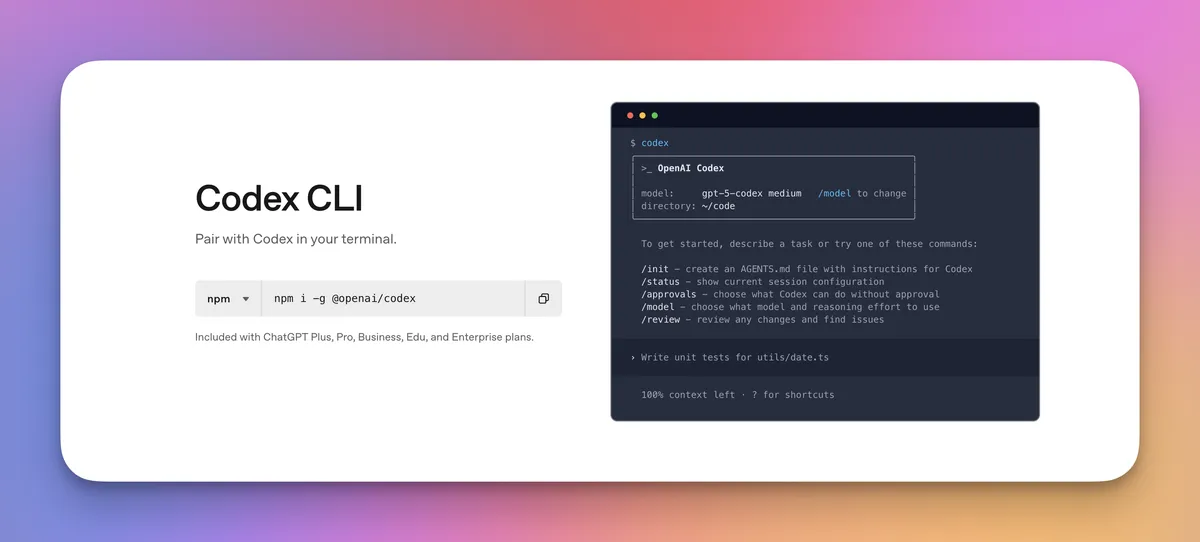
CLI / cloud assistants: Codex + Claude Code
The team leans on:
- Codex / OpenAI code models when we want help refactoring, reasoning over a bigger codebase, or generating documentation around systems we’re already running.
- Claude Code for certain big build tasks. Its interface, MCP framework and sub-agent capabilities make things quick and easy to work with.
Editor: Cursor as home base
Most serious development now happens in Cursor or VS Code. It’s where:
- We do inline edits and refactors.
- We ask “what happens if we do it this way instead?” and try three options quickly.
- We keep context about the whole repo close to hand.
Personally I use Codex + Cursor. Many of the team are VS Code + Codex or Cursor / Codex.
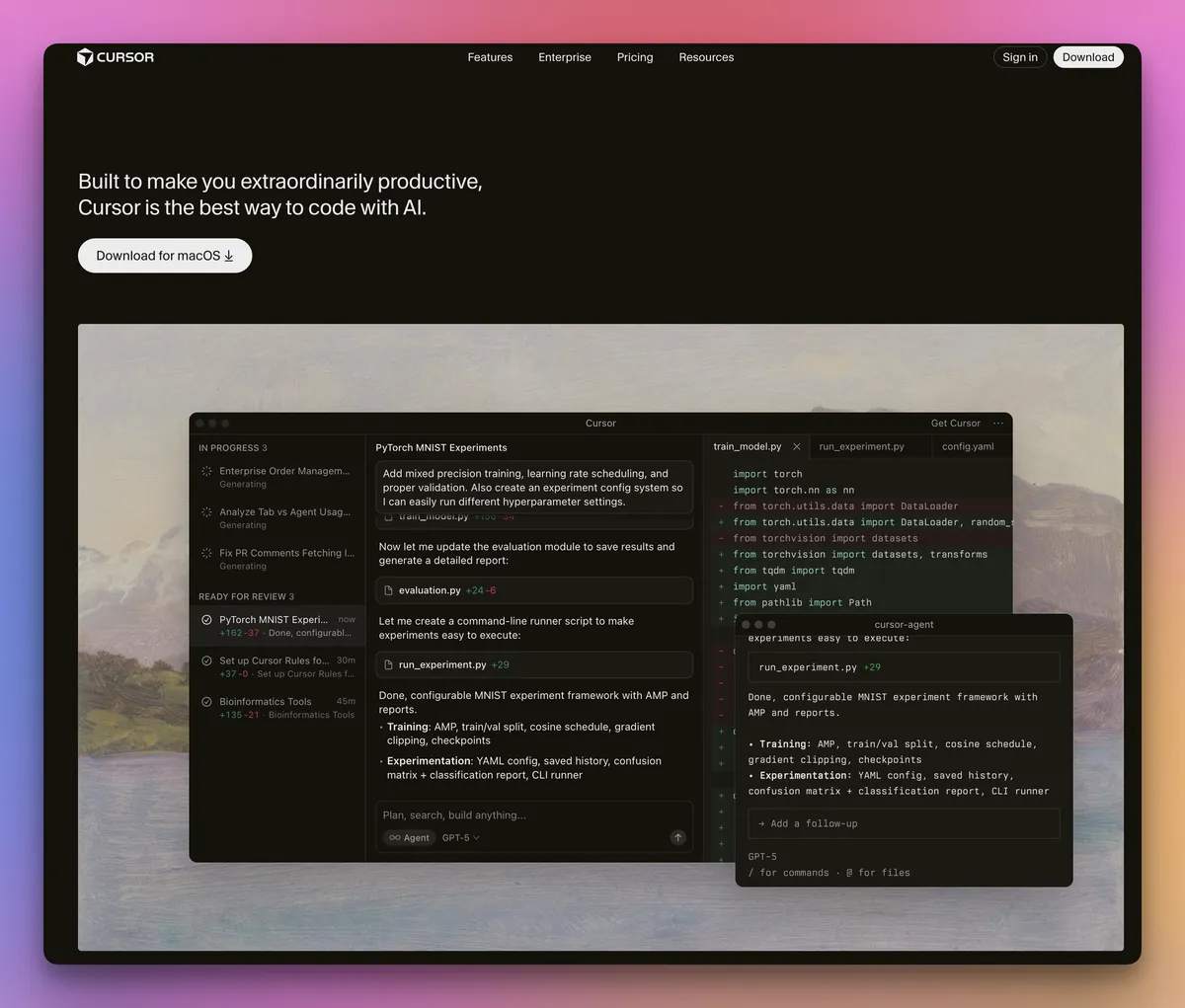
That said, editors are very personal. Developers have their favourites and there are many new and fast-growing great alternatives (e.g. Devin / Windsurf, Factory AI and more).
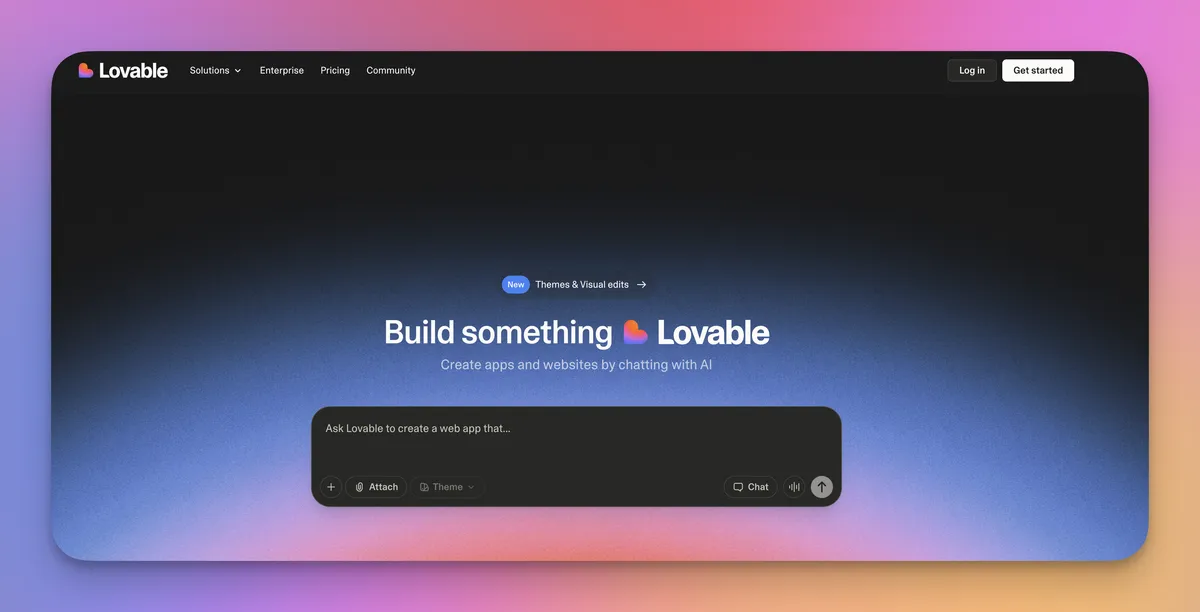
Prototypes: Lovable.dev
While we can do a lot of prototyping in Cursor / Codex, one invaluable way for our business and product teams to get ahead has been reducing time to prototype. Traditionally, teams can spend an inordinate amount of time in customer research, requirements discussions, prototyping, iteration and then build.
Lovable enables any business, marketing or product user to quickly prototype a fully functioning website or app in minutes. These tools can be built with a backend and even deployed to show internal or external users initial UIs and clickable flows.
We don’t ship Lovable apps to production. They’re a conversation piece that helps us converge on the right problem and approach before investing in a proper build.
It also changes the nature of documentation. Often, documentation is what comes up front and drives development. With the new AI tooling, documentation is more often what follows after the prototype, customer and team discussions – as a record of what happened and agreement on spec – with the prototype as the key artefact alongside it to help our dev team move to something hardened and appropriate for production. Increasingly, we are moving to a world where language (and documentation) = code.
6 – Tiny local tools
With the developer stack above, I’ve been using Cursor / Codex to build out some bespoke tools just for me that:
- Run entirely on my own machine.
- Never send company or client data anywhere external.
- Automate narrow, annoying bits of my own work.
Given we work with a range of clients and sit under ISO 27001, that local boundary matters. Within it, there’s still a lot of room to be creative. Some tools I have built for myself this year that have been major time savers include:
Local LLM / agentic systems to automate workflows like:
- going from research to proposal documentation
- building up conference presentations, training materials or internal comms from transcriptions / messy notes
- a client dossier builder (built before Notion AI’s meeting recording launched) that could record any meeting locally (even without a conference call), document detailed minutes and then create subsequent dossiers for use with downstream AI systems
One of my favourite agentic system projects was an LLM Decision Council system which consisted of a three ‑stage process where I could submit any business problem or request any deliverable build (with attached documentation) and the system would:
A chairman agent:
- review the problem and spin up anywhere from 5 to 12 agents with different expertise including a Chief Product Officer, Chief Marketing Officer, Head of Legal, CTO etc., each trained in their domain with specific context, who would analyse the problem, propose a solution and build key deliverables while raising key questions for other members of the council
- manage a peer review process where questions, issues and concerns would be discussed, answered and resolved, with key artefacts updated
- resolve any outstanding issues and pull together all final artefacts for submission, with an executive report summarising key recommendations and/or deliverables.
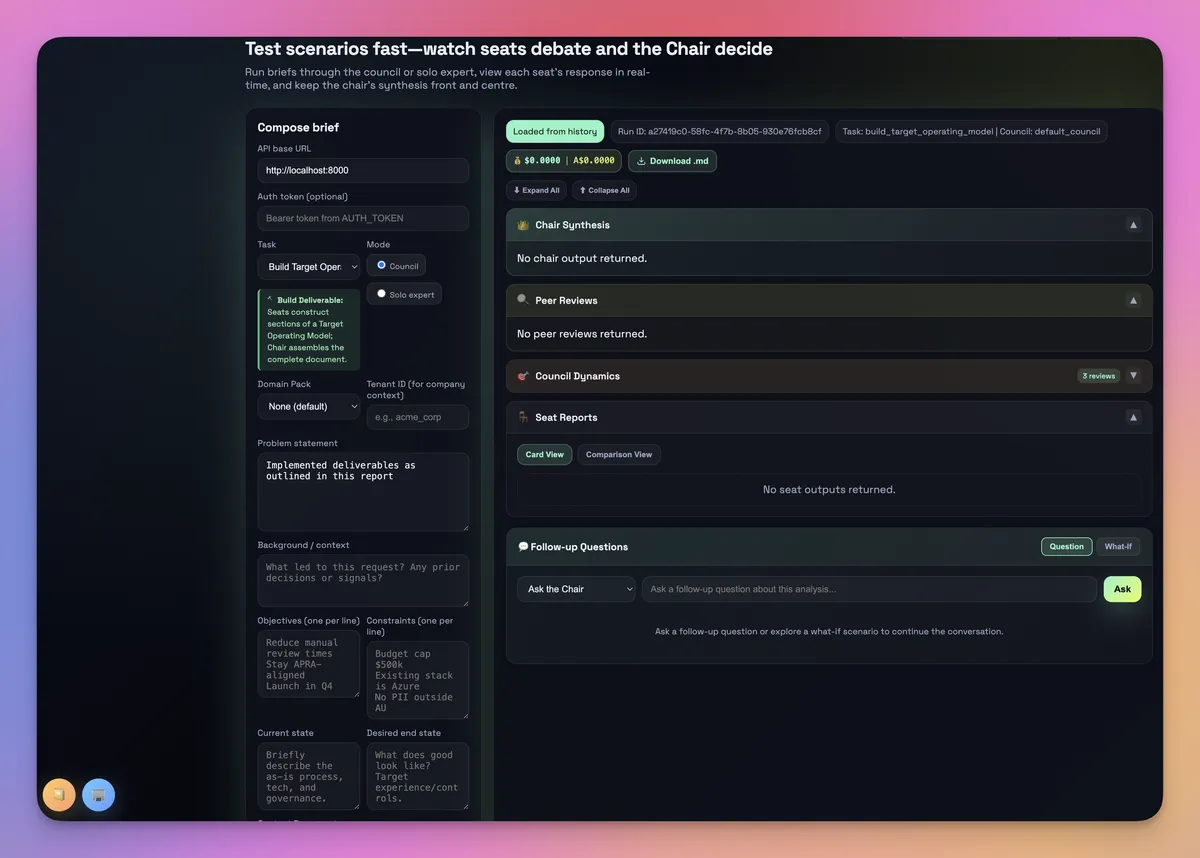
For many use cases, this system beat ChatGPT 5.1 Pro (to my surprise) and was faster, at the cost of being fairly expensive. For key gnarly business problems, this tool is quickly becoming my go‑to to add a more rounded perspective on key executive issues.
7 – Small tools that punch above their weight
Work-side helpers
- Superhuman (email) – smarter triage and shortcuts on top of email. Still figuring out how it plays with corporate settings, but it has potential to keep inboxes under control.
- Loom – short video walkthroughs instead of extra meetings. We can record feedback or showcase work, and others review it asynchronously without scheduling yet another call.
- Raycast – a Spotlight-style launcher and command palette that cuts down mouse time and context switching.
- Ollama – a tool to test and use open ‑source models locally when we want simple AI support with zero external calls.
Fun-side helpers
- Suno AI – full tracks in seconds: intros, background music and little surprises in internal videos.
- Sora 2 – fast text ‑to ‑video for social clips or a quick opener for a talk.
- Higgsfield / Midjourney / Kling.AI – richer visuals and video that make decks, town halls and training sessions less dull.
These are sprinkles really: small, fast wins that make the rest of the system feel smoother.
8 – The learning loop (YouTube, X, Atlas)
A major part of my role is continuous learning. With the industries our clients work in and with the technology world (e.g. AI, Cybersecurity) moving so fast - staying up to date, and parking time each day to research / learn and often to experiment is paramount.
I have built some bespoke tools to surface up great news / research feeds daily across our research areas. While ChatGPT tasks and similar tools can do a decent job here, the best setup for me has been bespoke tooling that scours the exact X.com accounts, YouTube channels, arXiv feeds and other AI/cybersecurity sources I care about, and serves those up each morning as a clean digest. These are rank ordered by an evaluation rubric I have created. This has been a major time saver, and keeps the right information on my desk each morning.
Outlook for 2026
Looking ahead, there are three areas I’m actively experimenting with currently that could be beneficial productivity hacks going into next year.
1. Agentic systems for real workflows
Tools like n8n, Workato, OpenAI AgentKit and Salesforce Agentforce make it easier to wire whole flows together, not just single prompts. These also can be built with custom software.
The sorts of patterns I care about are:
- Automating simpler end-to-end workflows, while keeping humans in the loop where AI falls down — everything from inbound customer contact and RFP responses to month-end analysis, talent performance, digital marketing and AEO.
We’ve been building versions of these by hand in 2025. In 2026 I expect us to standardise a few of these into proper, monitored workflows that quietly remove a lot of manual-glue work.
Having clear evaluations and measurable benchmarks is key as we move into this new world, otherwise, the business benefits won't be realised.
2. Agentic browsing (once it’s properly safe)
The other frontier is letting agents move around the web or your intranet for you.
On the personal side, tools like ChatGPT Atlas or Comet already give a taste of this in the browser: fast research, long ‑form reading with an AI in the sidebar, and the beginnings of automated browsing flows. I keep that on my own account, with public material only. It's not ready for enterprise yet - particularly on the security front.
However, done well in the enterprise, this could mean:
- 'Take these meeting minutes and update Salesforce opportunity records for all clients'
- 'Deploy and perform SIT / UAT on these features in XXX environment, and confirm if ready to merge to main'
Today, the bottlenecks are security, privacy and governance. I expect 2026 to be the year where we see the first serious, auditable use of agentic browsing inside larger organisations – with more controls than convenience at the start, which is probably the right way round.
3. AI ‑native video and answer engines
Video tools are improving quickly. I expect them to show up more in:
- B2B marketing.
- Internal training.
- Change and risk communication.
At the same time, search is shifting from classic SEO to something closer to Answer Engine Optimisation – thinking about how you show up inside AI ‑powered search and chat experiences, not just on a Google results page. I also expect multimodal models to improve and be a great unlock (e.g. 'analyse this video of user website usage, and identify CTA improvement opportunities for A/B testing')
For founders, marketers and product teams, that means two very practical things for day‑to‑day work:
- Design content so AI can answer on your behalf – structure docs, blogs and support articles in a modular, question ‑and ‑answer style so chatbots and answer engines can lift clean responses straight into chats and search. That means fewer repeated explanations, faster responses for customers and colleagues, and less time hunting through 30‑page PDFs.
- Use short video as a reusable asset, not a one‑off – replace some long decks and documents with 60–90 second explainers and feature walkthroughs you can reuse in sales calls, onboarding and support. One good recording can save dozens of ad ‑hoc demos and “quick run ‑through” meetings.
Productivity is a lot more than tools
There’s a whole body of good research on productivity that doesn’t care what tools you use.
A few themes that matter more as foundational pieces:
- Blocking time in the calendar and batching work still beats “living in the inbox”.
- Clearer meetings (or fewer of them) usually move the needle more than the latest app.
- Turning off most notifications and checking tools on a schedule is underrated.
- Sleep, exercise, food and reducing alcohol still matter more than we’d like to admit.
- Team norms – how quickly we expect replies, how many work items people juggle, accountability and autonomy in roles – make or break any productivity focus.